Business Knowledge
Business Knowledge turns the tables in your connectors into business terms that Chat understands: the things your business tracks, the numbers you measure them by, and the ways you slice them.
What Business Knowledge is
Open Business Knowledge from the Data section of the app's sidebar, after Schema Intelligence. The page describes itself as the published business objects, measures, and dimensions that Chat uses for Popular Questions and query planning.
Integrators and Admins can open the page. Members and team leads don't see it. Only Admins can generate, publish or clear Business Knowledge. See Roles at a glance.
In the app, Business Knowledge is sometimes shortened to BKL (Business Knowledge Layer), as in Clear BKL.
Business Knowledge belongs to your organization. If no organization is selected, the page reads Select an organization to view and manage business objects for Chat.
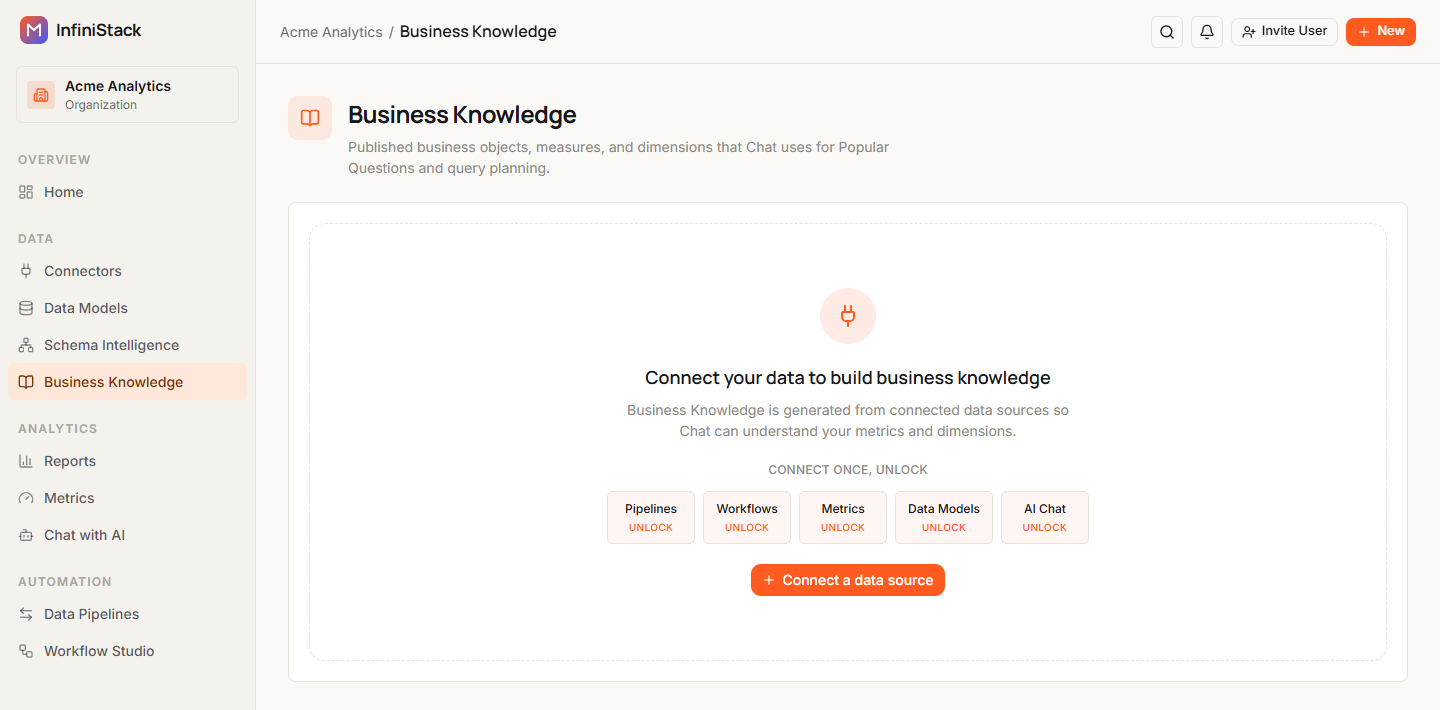
Business Knowledge is built from your connected data. If your organization has no connectors yet, the page shows Connect your data to build business knowledge. Select Connect a data source to add one. See Connectors.
Business objects, measures and dimensions
Business Knowledge is made of three building blocks:
| Building block | What it is |
|---|---|
| Business object | A thing your business tracks, such as orders or customers |
| Measure | A number you calculate for an object, such as total revenue |
| Dimension | A way to group or filter an object, such as region or order date |
An object can also have synonyms: other words your team uses for it.
When you generate drafts from a connector, InfiniStack creates one business object for each table it finds:
- Name. The table name with underscores turned into spaces and each word capitalized.
order_itemsbecomes Order Items. - Description. The table's purpose from Schema Intelligence, or Auto-drafted from and the table name.
- Measures. Numeric columns, and columns whose names contain amount, revenue, price, total, qty, quantity or count. Numeric columns are summed (sum); the others are counted (count). The first measure is the object's primary measure.
- Dimensions. Columns that aren't measures become dimensions. Date and time columns, and columns whose
names contain date, time, timestamp, created or updated, are temporal. Every other column is
categorical, with up to 5 sample values. A numeric
created_atcolumn or a column namedupdated_countbecomes a measure, not a dimension. - Record Count. If a table has no measure columns, InfiniStack adds a Record Count measure that counts its rows.
Select an object in the list to see its details: its name, its description (or No description), its status, and its Measures, Dimensions and Synonyms, each with a count. A section with nothing in it shows None.
Each measure shows how it's calculated, and primary if it's the object's primary measure:
| Calculation | Meaning |
|---|---|
| sum | Adds the values |
| count | Counts the rows |
| count_distinct | Counts the different values |
| avg | Averages the values |
| min / max | Smallest or largest value |
| expression | A custom calculation |
Each dimension shows its type: categorical, temporal, hierarchical or geo.
The table and column names behind each object are never sent to the AI model. Chat works with the business names.
Drafts and published versions
Business Knowledge has two views. Switch between them with the buttons at the top of the page:
- Published shows the objects Chat uses now, with their count.
- Drafts shows objects you've generated but not published yet, with their count. Only Admins can see drafts. Integrators see Only organization admins can view draft details.
Next to the buttons, a badge shows the version Chat uses, such as Published v2, or Not published if nothing has been published yet.
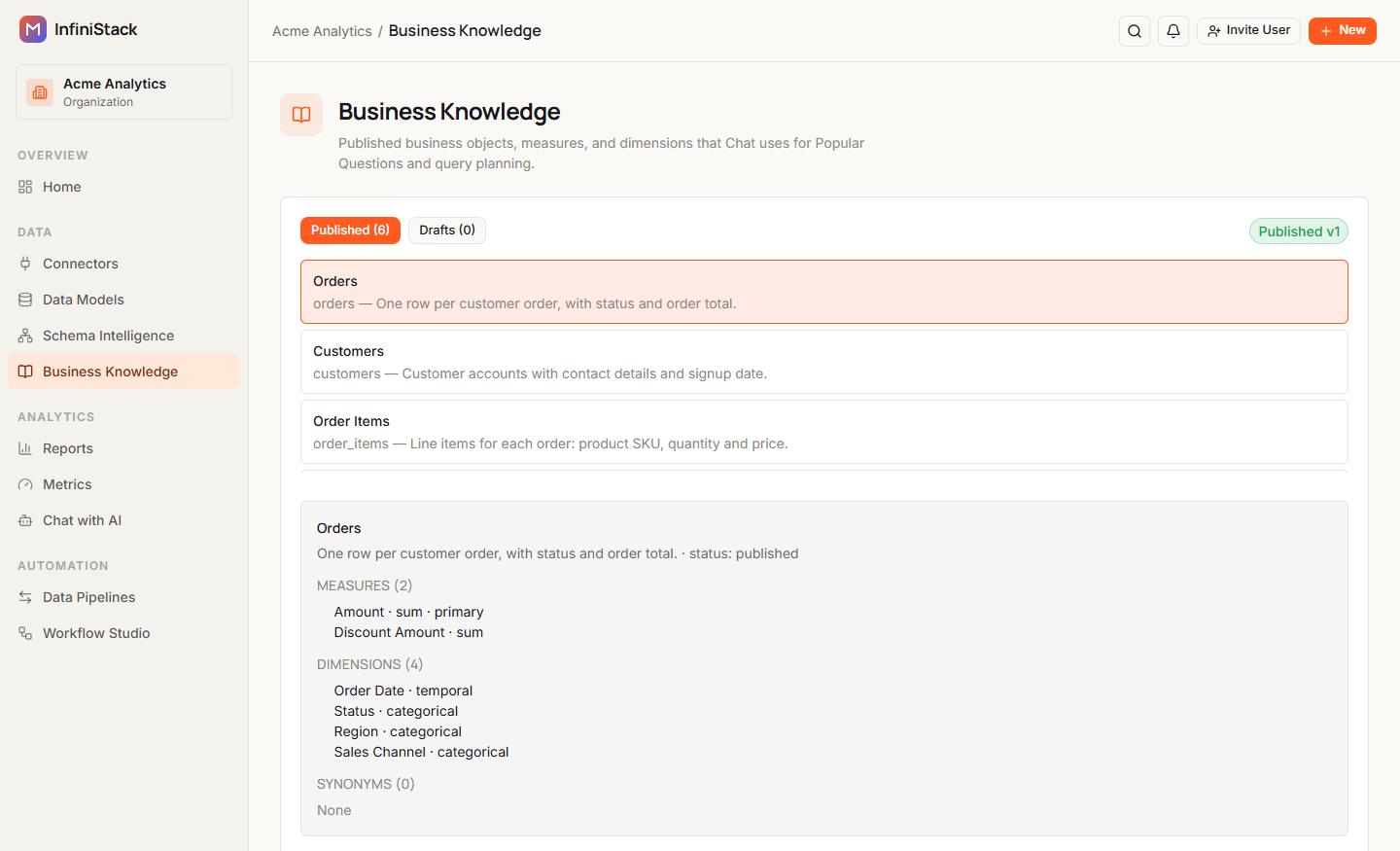
Each object in the list shows its name, its technical name, and the start of its description. Until you select one, the details area reads Select a business object to view saved details.
An object has one of these statuses:
| Status | Meaning |
|---|---|
| draft | Generated and waiting to be published |
| review | Waiting to be published |
| published | In use by Chat |
| archived | No longer in use |
| stale | Its source table changed after it was published |
Business Knowledge is versioned. Each time you publish, all your drafts become the new published version. Generating drafts again adds to the version you haven't published yet, or starts the next version number.
How it improves AI answers
Business Knowledge lets Chat answer questions in your business's words, such as "Income by Region", by matching the object names and synonyms in a question to your data.
When you publish, InfiniStack adds a suggested question for each published object that doesn't already have one. Chat shows these as Popular Questions. Each one is based on the object's most meaningful measure, usually one named like an amount, total or count. Measures that look like IDs or codes are skipped:
| Measure used | Suggested question |
|---|---|
| Counted (count, count_distinct) | How many object are there? |
| Averaged (avg) | What is average measure for object? |
| Any other | What is total measure for object? |
| None, or only ID-like measures | Explore object |
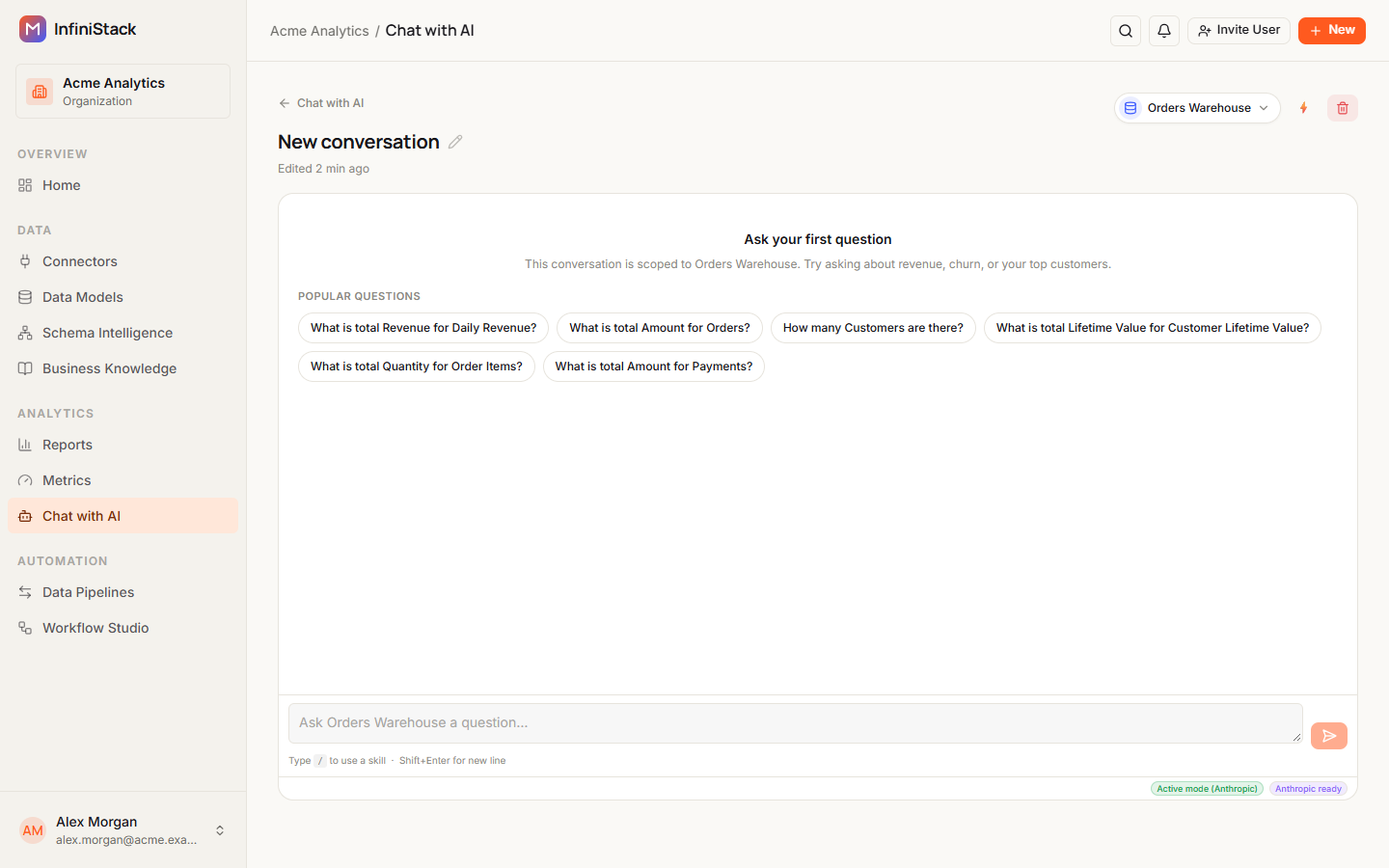
Business Knowledge also helps the dashboard widget builder, AI compose in Reports, AI assist in Workflow Studio, and search.
Chat uses Business Knowledge only when it's turned on for your organization. If Chat doesn't seem to use your published objects, contact InfiniStack support.
Guides
Build & publish business knowledge
Generate, review, and publish your business definitions.