Workflow Studio
Workflow Studio is a notebook-style editor for data workflows. You pull data in from a connector, query and transform it in SQL and Python cells, and save the result to a database table. Open Workflow Studio to see, run and edit your workflows.
What a workflow is
A workflow is a notebook: a top-to-bottom list of cells. You start blank, then add connector, SQL and Python
cells that pass variables to each other as you go. Each cell names its output, such as conn1 or df1, and
the cells below it use that name.
You can run the whole workflow by hand, run one cell at a time while you build it, or put the workflow on a schedule.
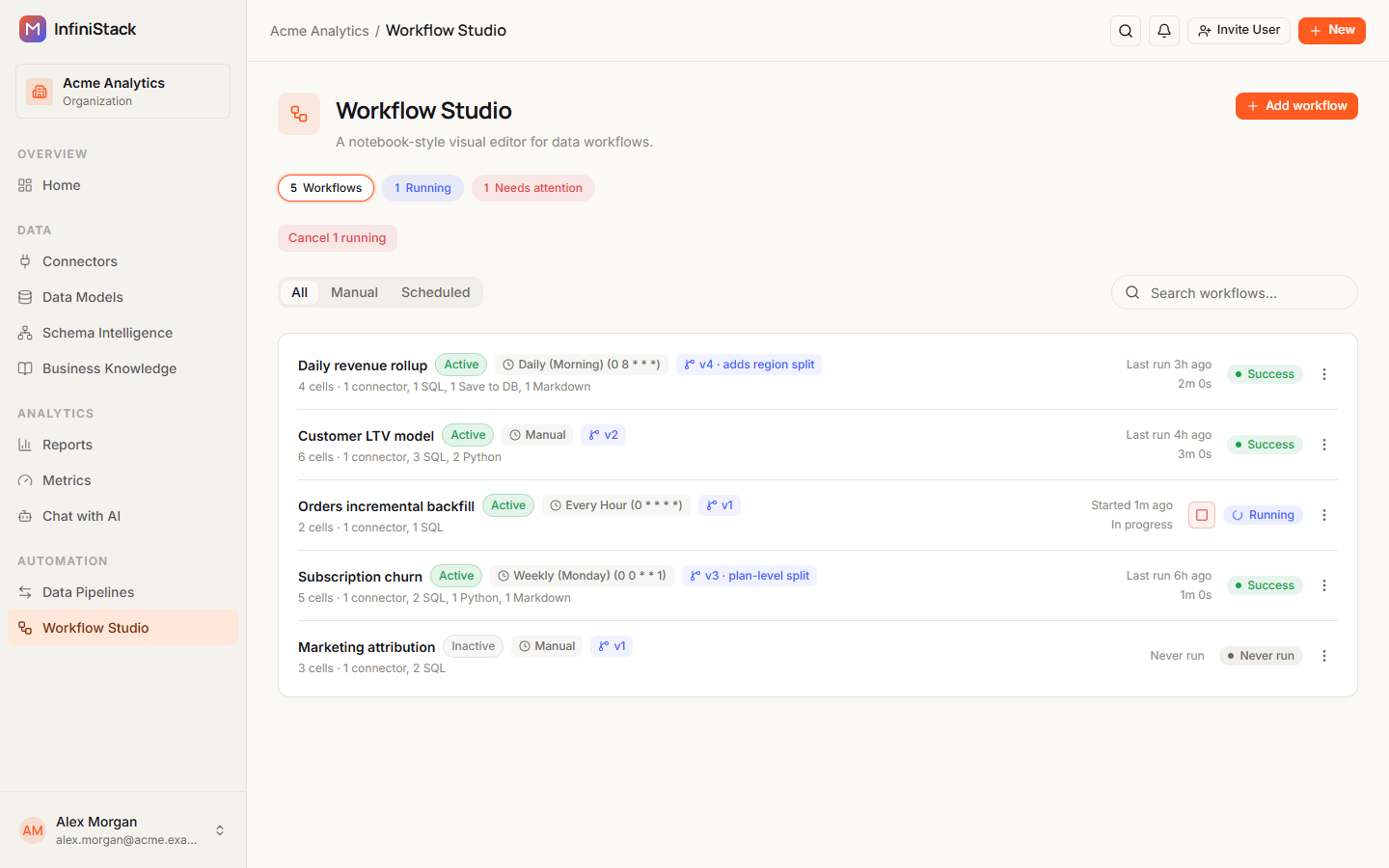
Only Integrators and Admins can open Workflow Studio. Members and Team Leads don't see it. See Roles at a glance.
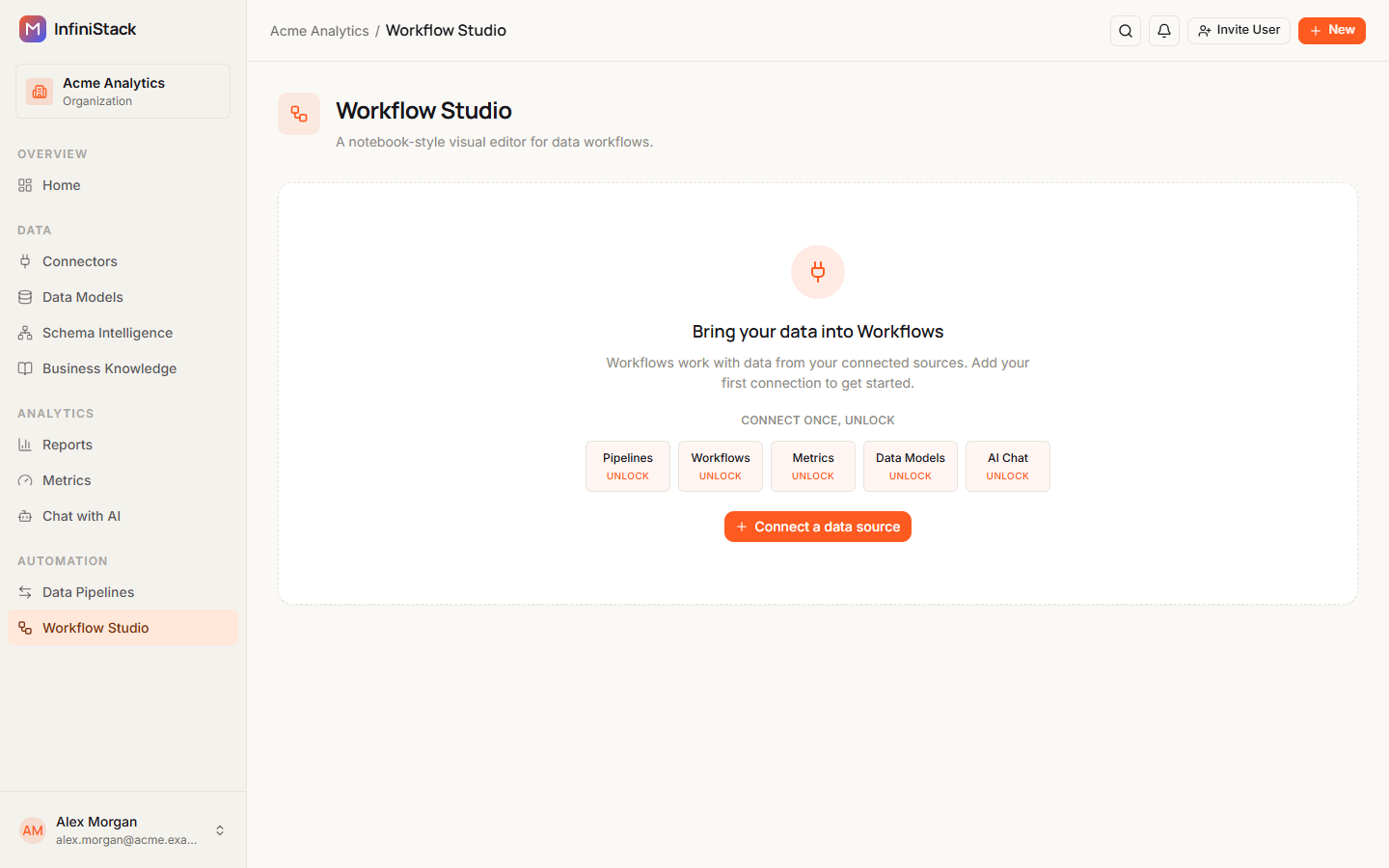
You need at least one connector before you can build a workflow. With no connectors, the page shows Bring your data into Workflows and a Connect a data source button. See Connectors.
Pipelines or workflows?
Both live in the Automation section of the sidebar, and both can run on a schedule.
| Data Pipelines | Workflow Studio | |
|---|---|---|
| What it's for | Sync data between sources and targets | Build and schedule notebook-style workflows |
| How you build it | A step-by-step wizard | Cells you add, edit and run one by one |
| Schedules | Picked from the list of schedules | Picked from the same list of schedules |
| Run statuses | Queued, Running, Success, Failed, Cancelled | Queued, Running, Success, Failed, Cancelled |
Choose a pipeline to copy a table from one connector to another as it is, or with transformation rules. Choose a workflow when you want to query, combine or reshape data with SQL and Python before you save it. See Data Pipelines.
Cell types
You can add five kinds of cell. The Cell roles panel in the builder lists them too.
| Cell | What it does |
|---|---|
| Connector | Pick a data source and expose a connection key for SQL cells. |
| SQL | Query a connector or dataframe produced by earlier cells. |
| Python | Transform data with Python using outputs from prior cells. |
| Save to DB | Write a dataframe from an earlier cell to a database table. |
| Markdown | Add notes and documentation. Markdown cells don't run when the workflow runs. |
The first cell of a workflow must be a Connector cell.
Guides
Build a workflow
Chain connector, SQL, and Python cells.
Run & schedule a workflow
Run a workflow by hand or on a cron schedule.